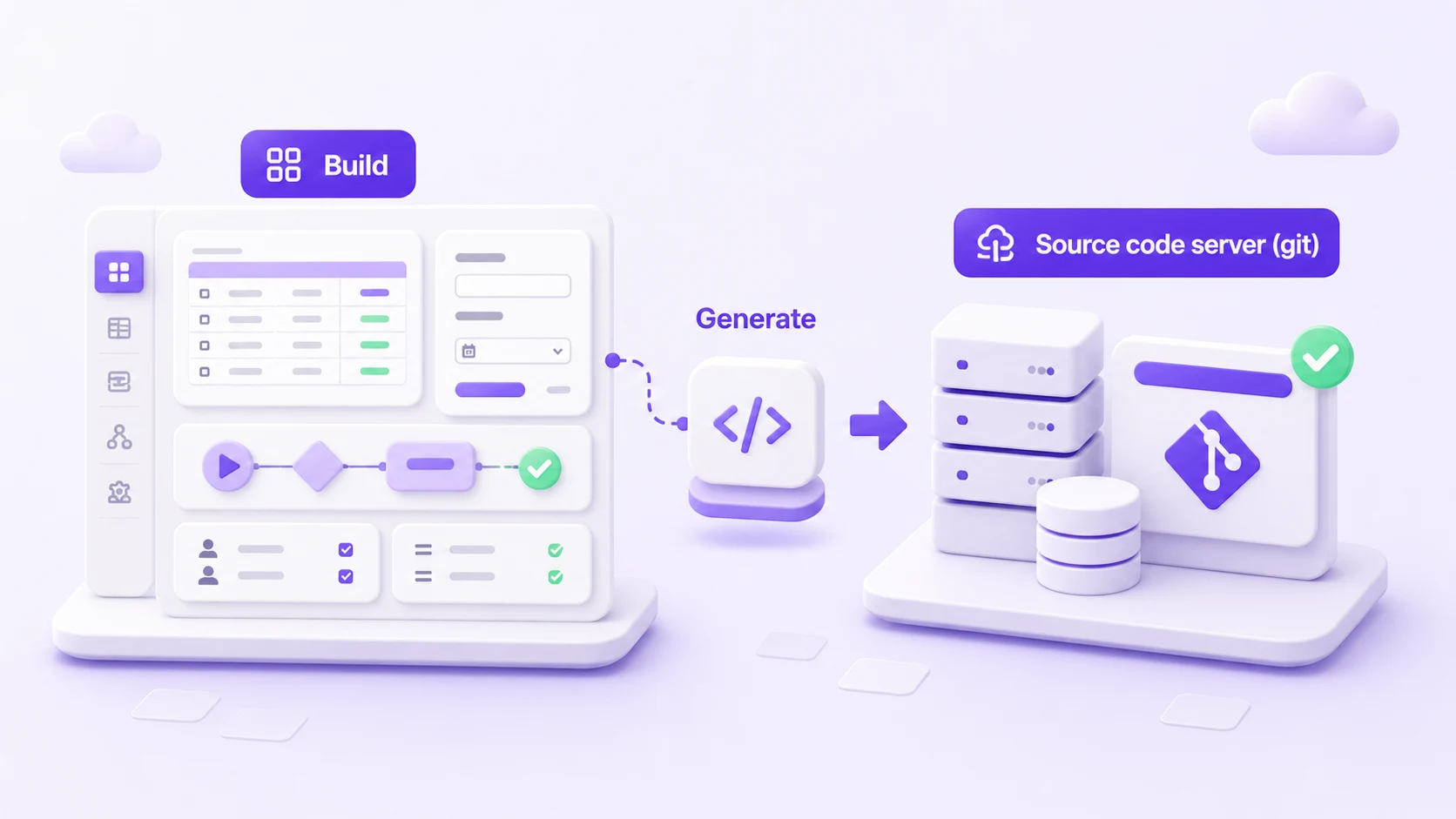
Save, Generate, and Pending: what they mean
These three words appear all over the Builder. They are easy to mix up, so here is the plain version.
Save
When you click Save on any editor (a table, a form, a list, a setting), your work is stored in your app's workspace straight away. Nothing is lost. You can leave and come back and it will still be there.
Saving does not change your running app yet. It records your intent.
Generate
Generate is the step that turns everything you have saved into your app's actual code. When you generate, Luna writes the files your app needs and records one code update for the generated app.
Your work is saved as you go. Generate turns it into your app's code.
Pending
Anything you have saved but not yet generated is pending. The Generate tab shows a small marker and a count, for example "3 items pending generation". It is simply the difference between what you have saved and what your app currently runs.
The everyday rhythm
- Build something and Save it (happens as you work).
- Keep building. Saved changes pile up as pending.
- Open the Generate tab and click Generate when you are ready to turn the saved work into app code.
Where to next
- How to generate your app walks through the Generate tab step by step.